 “Facebook Follies” can be avoided when you know what you’re doing with your FB Friends.
At a recent workshop for Newbies, we began chatting about Facebook Do’s and Don’ts and then more basic questions like “Why is the Wall called the Wall?” and “How do you make sense of everything that you see on your Facebook Home Page?”
We took a step-by-step approach to understanding some basics, and one of the participants asked for the lesson in “black and white,” so here it is:
What do you see when you sign in to Facebook?
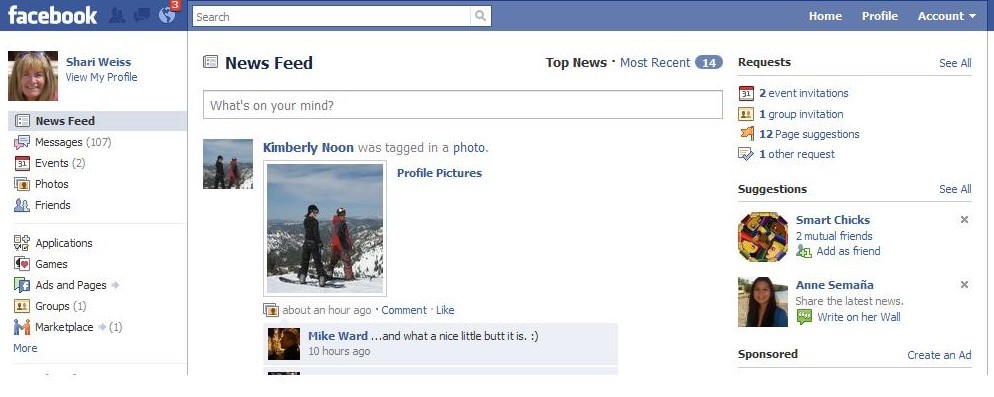
You go directly to your Home page where you will see the phrase News Feed in the wide middle column [see screen directly below].
- To the right of News Feed are the labels “Top News” and “Most Recent”
- Below the update box that says “What’s on your mind?” is a stream of updates from your friends.
- This stream [by default] is Top News and includes the updates that Facebook has determined are the most popular.
- If you select Most Recent, the stream will include updates from all of your friends as they are posted.
BUT . . . do you really want to read every comment from every friend? Probably not.
10 Steps to CREATE LISTS to manage your Friends
1. At the top right corner, you will click on the word “Account”
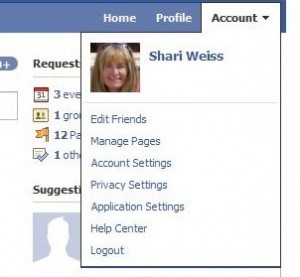 2. Here is the drop down box to the right:
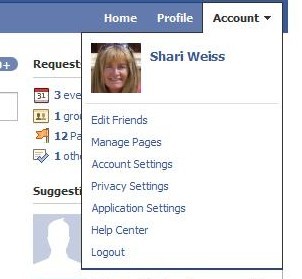
3. Choose “Edit Friends” on the top of the list.
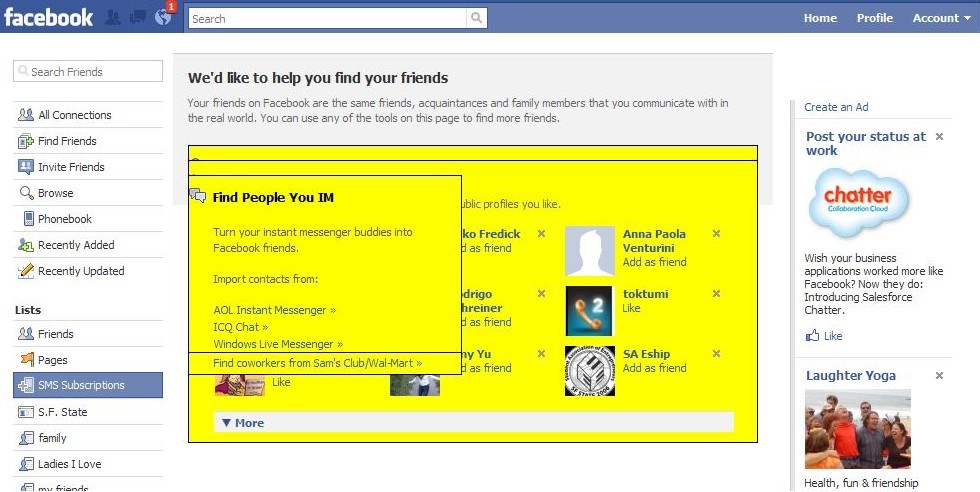
4. Check the screen below and . . .
5. Click in the “All Connections” link in the left hand corner.
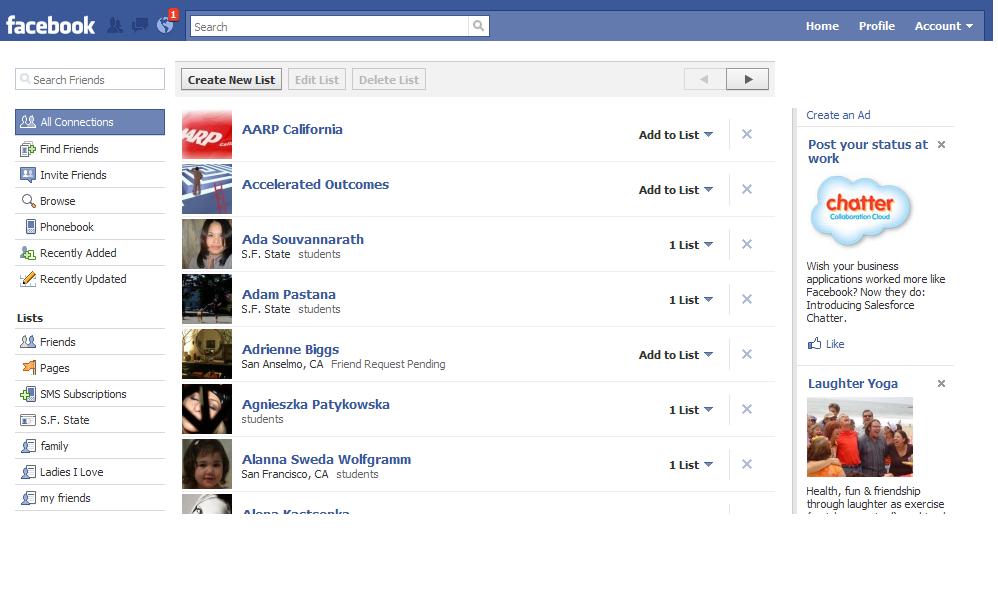
6. Here is your next screen ALL OF YOUR CONNECTIONS:
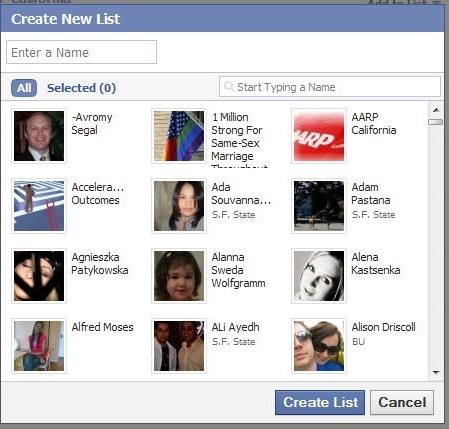
7. Click on “Create New List”– Here is the Drop Down box:
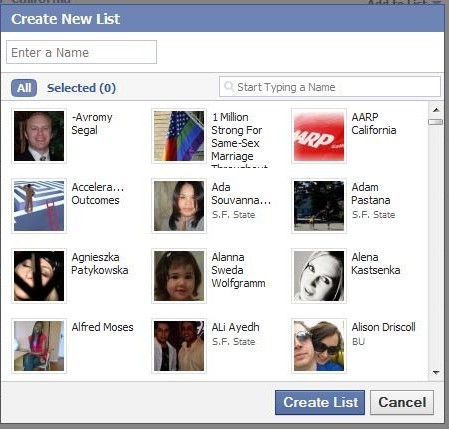
8. In the “Enter a Name” box, write something like FRIENDS, and then click on every contact whom you want on your Friend List.
9. Perhaps you will make other lists for FAMILY, CLASSMATES, CLIENTS, etc.
10. Once you have divided your groups, you can now select the “streams” instead of merely accepting the Most Recent updates from all your connections.
Are these steps clear enough? Any questions, please list then in the comment section . . . and enjoy your Friends’ Updates.


Everything you wrote about is what i have done since i joined facebook, there was a time when my friends got to a 1,300 which i did not need so i had to delete some and also group them so it will be eaiser for me. Because i grouped them i always get whatever post they write on their wall is there any way to edit them so i wouldn’t get everything they post. Thank you.
Hi Shari,
Really this article was useful for me 🙂
Cool
🙂
What was especially helpful?
One more question; now that I have my lists edited, how do I select the one that I want to have show when I open my Facebook home page? I don’t see how to do that.
Thanks.
Glad you asked, Marla.
🙂
I wanted to add that bit of info, but I didn’t want the article to go on TOO long. So I was hoping for your question.
If you look at the left sidebar of the Home Page, you will see the underneath your photo icon, the categories beginning with News Feed.
[Until Facebook changes this], you will see the category FRIENDS.
Click on that CATEGORY.
The Drop Down box will include your lists.
VOILA
Click on the list you want to see.
AND
Tell me if it works.
🙂
Man did I need that! I was just complaining to a friend about regularly seeing my more remote connection’s daily details. You rock Shari. Thanks so much.
Thanks for sharing these highly useful tips, Shari!
Best,
Christine Hueber
Hi Christine.
Thanks for the comment. One of the reasons I did this was probably to have a reminder for myself if I forget.
🙂